Features

watch a video into

EASY ONBOARDING
User friendly onboarding experience to get started
Once u signup, members go through onboarding and there are just 3 steps to get started. With in no time, you will be easily able to configure worksapce, setup project & invite members to take you to dashboard.

INVITE MEMBERS
Invite members with one click
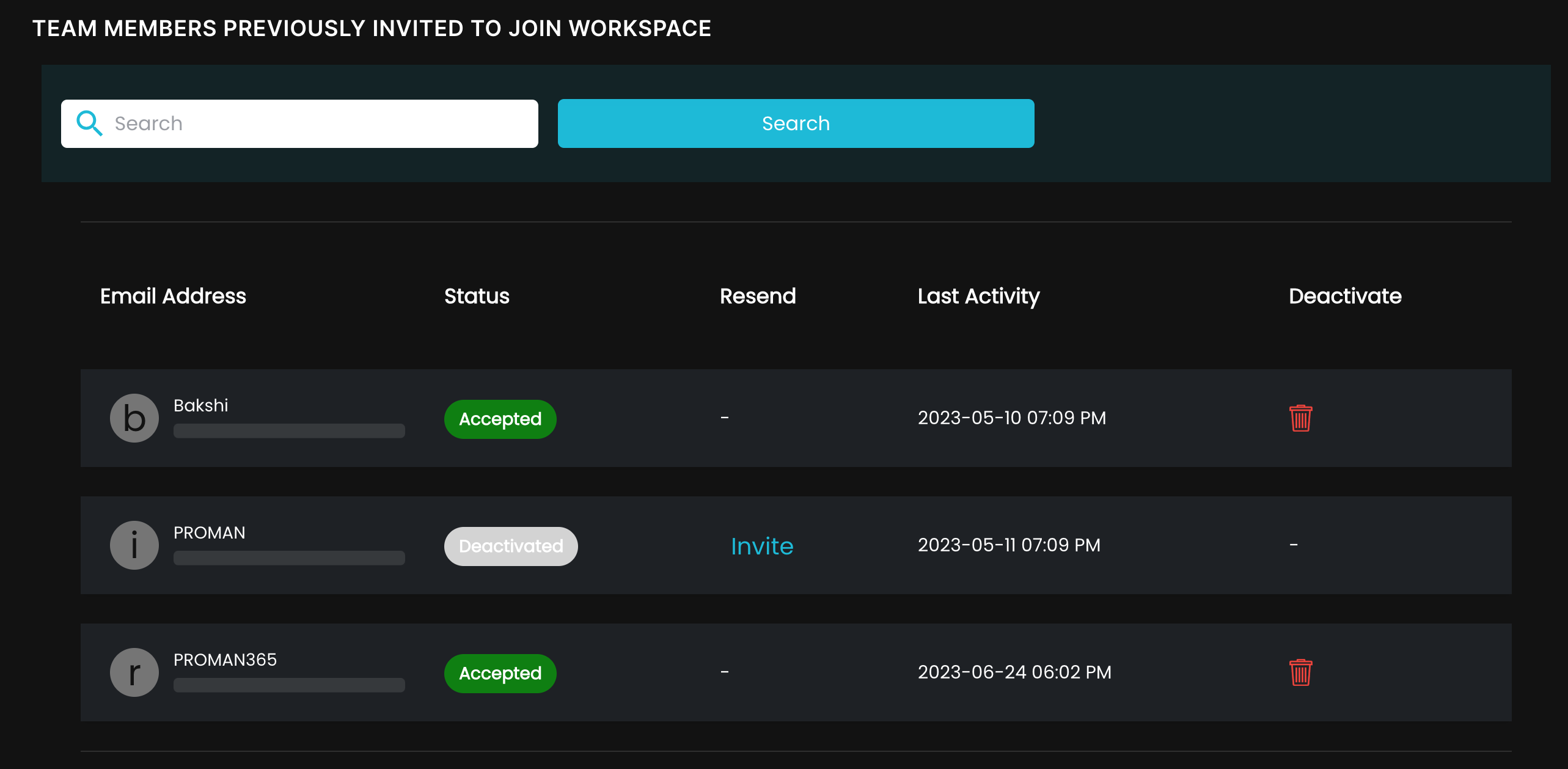
Members can be invited to join your workspace. Once invitation is sent, status will be set to pending and we can easily re-send the invitation with one click of a button in case user has not joined.
Widget Dashboard
Drag and drop to build custom dashboard
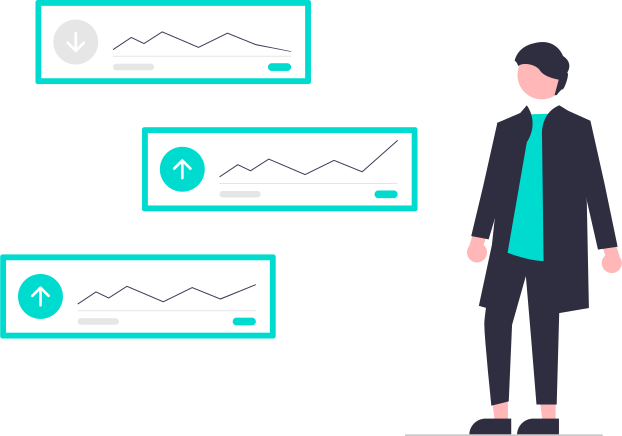
Widgets can easily be dropped on the dashboard from the left panel. We have built in some of the popular widgets. You can easily convert your report into a widget and set it on your personalized dashboard.
CHATS & DISCUSSIONS
Chats & Collaborative discussions
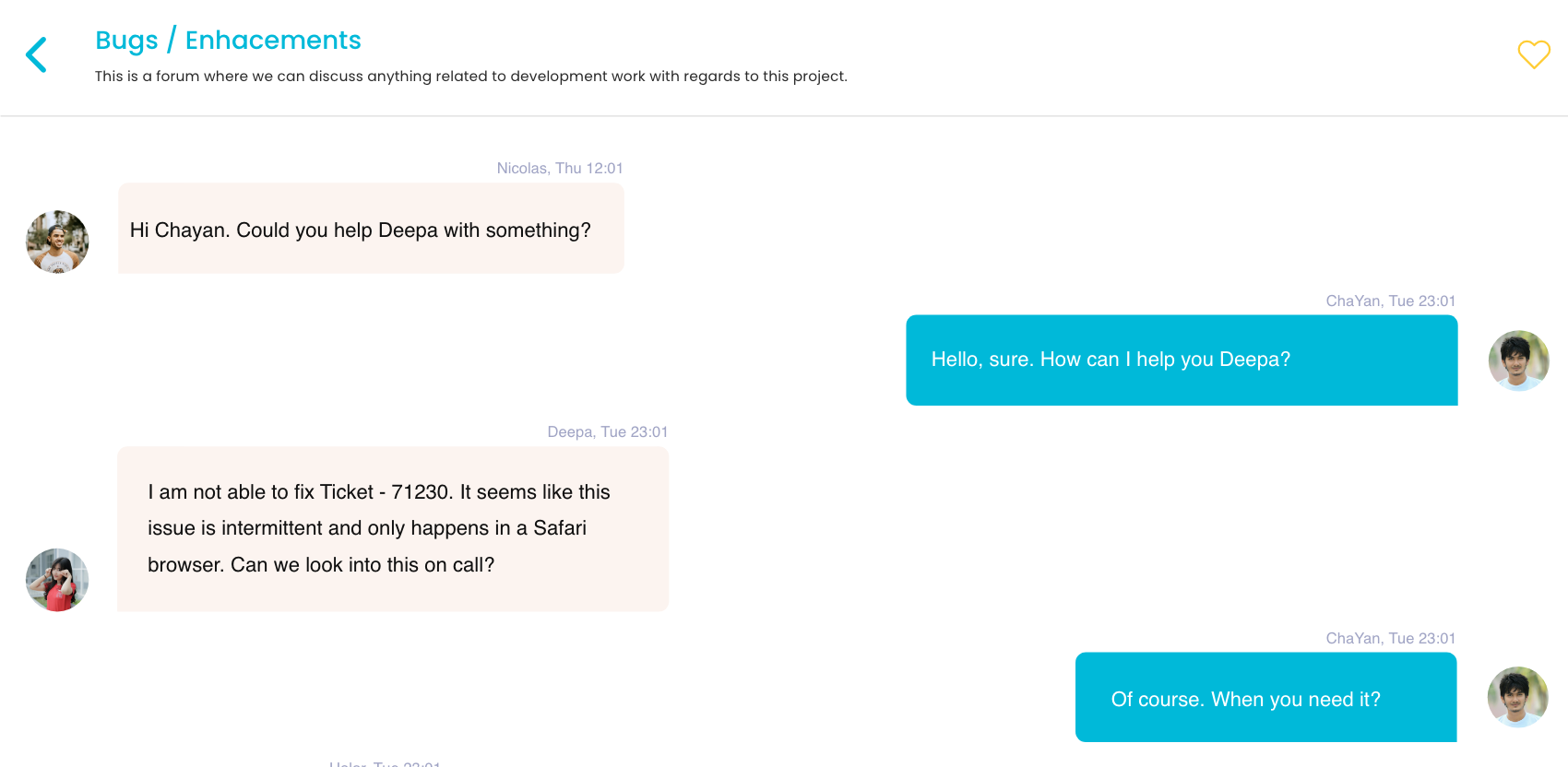
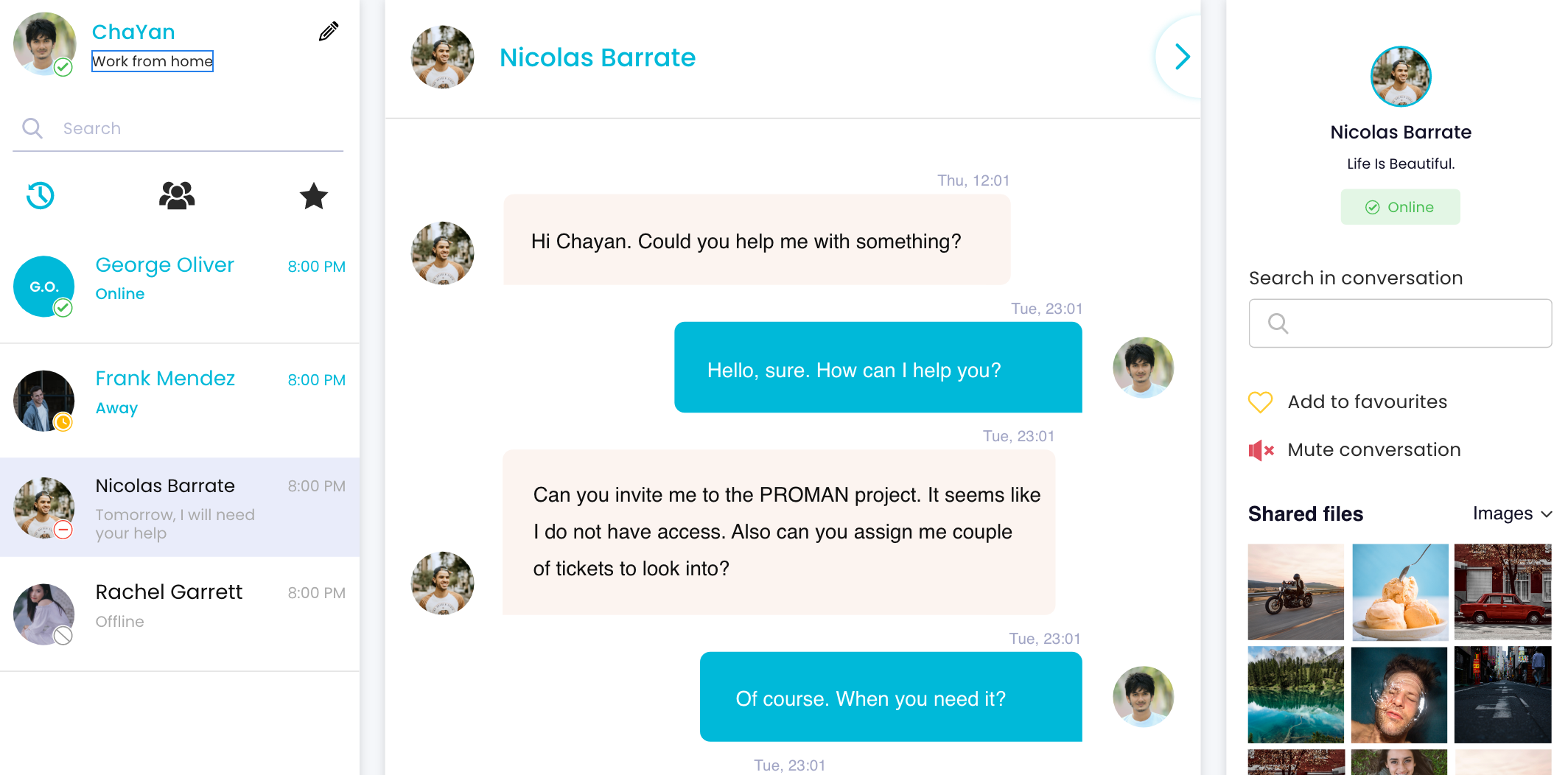
Members can chat among themselves, share links, documents, images for more collaborative discussions. By default with every project, discussion forum is created and members can start a topic on the forum for group discussions.
SHARING POSTS
Sharing posts within team environment
Posts can be useful not only to share memories with rest of your team members, but also share some informative articles that can be relevant to work. This can also help to socialze with your team and get to know each other.

NOTIFICATION
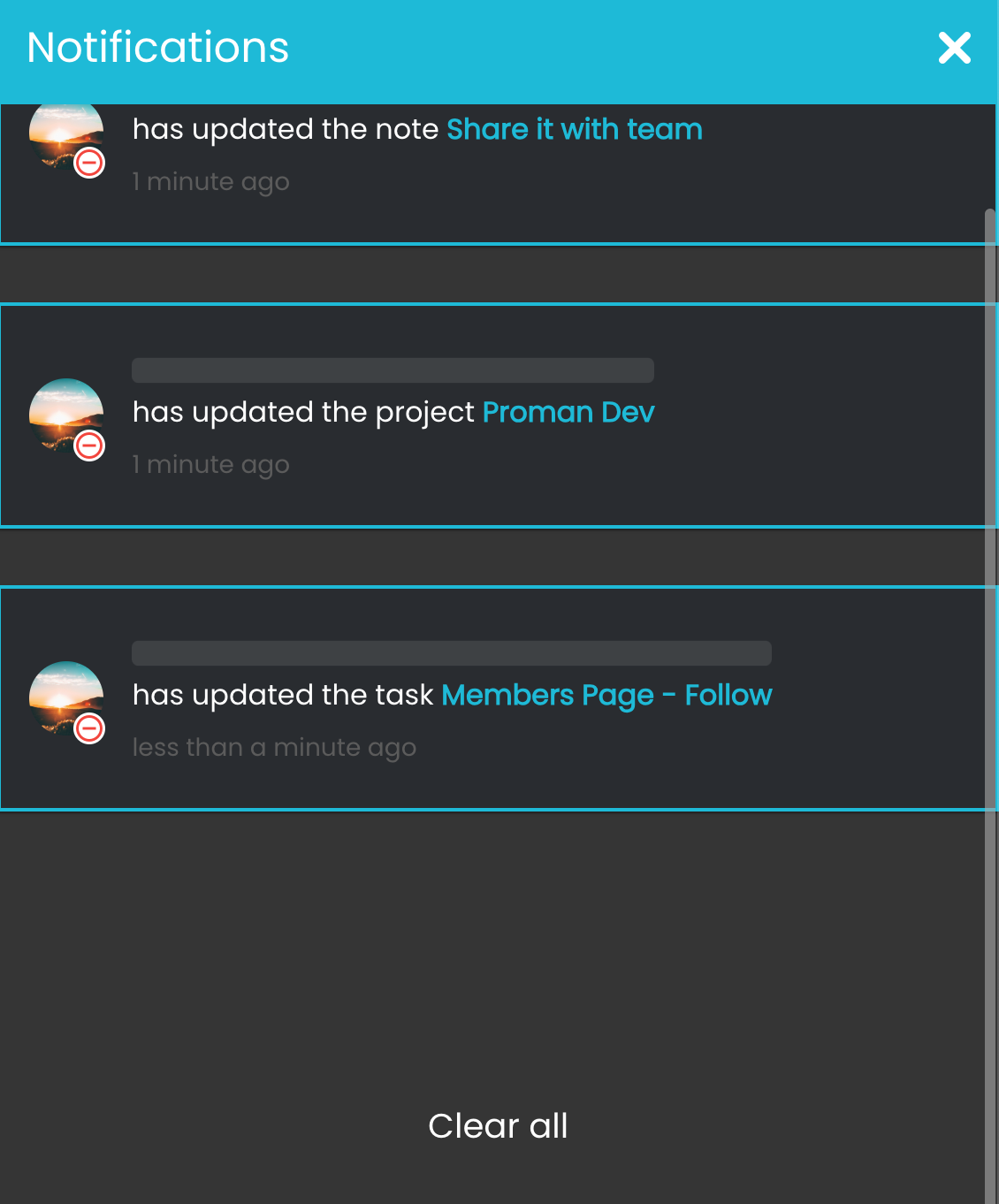
Never miss a notification
Notifications are useful to get your attention for updates on projects, scrumboards, approved or rejected hours, newly joined members and all other relevant things you have been tagged to.
MULTIPLE WORKSPACES
Create multiple workspaces to avoid clutter
Workspaces contains information about your projects, members, tasks, scrumboards and other activites. This is one place for all your information within the organization.








PHONE
+1 (647) 554-5612

info@proman365.com

ADDRESS
Kitchener, Canada