الميزات

شاهد فيديو تعريفي

إدارة المشاريع
إدارة كل مشروع في مكان واحد
يساعدك هذا المنتج في جمع مهام أعضائك، مشاريعهم، ولوحاتهم في مكان واحد. يمكنك تسجيل الوقت، ربط المهام باللوحات، تعيين الأعضاء للمشاريع، والتعاون عبر مناقشات المشروع.



إدارة المشاريع
نحن نساعد الشركات على المضي قدماً بشكل أسرع
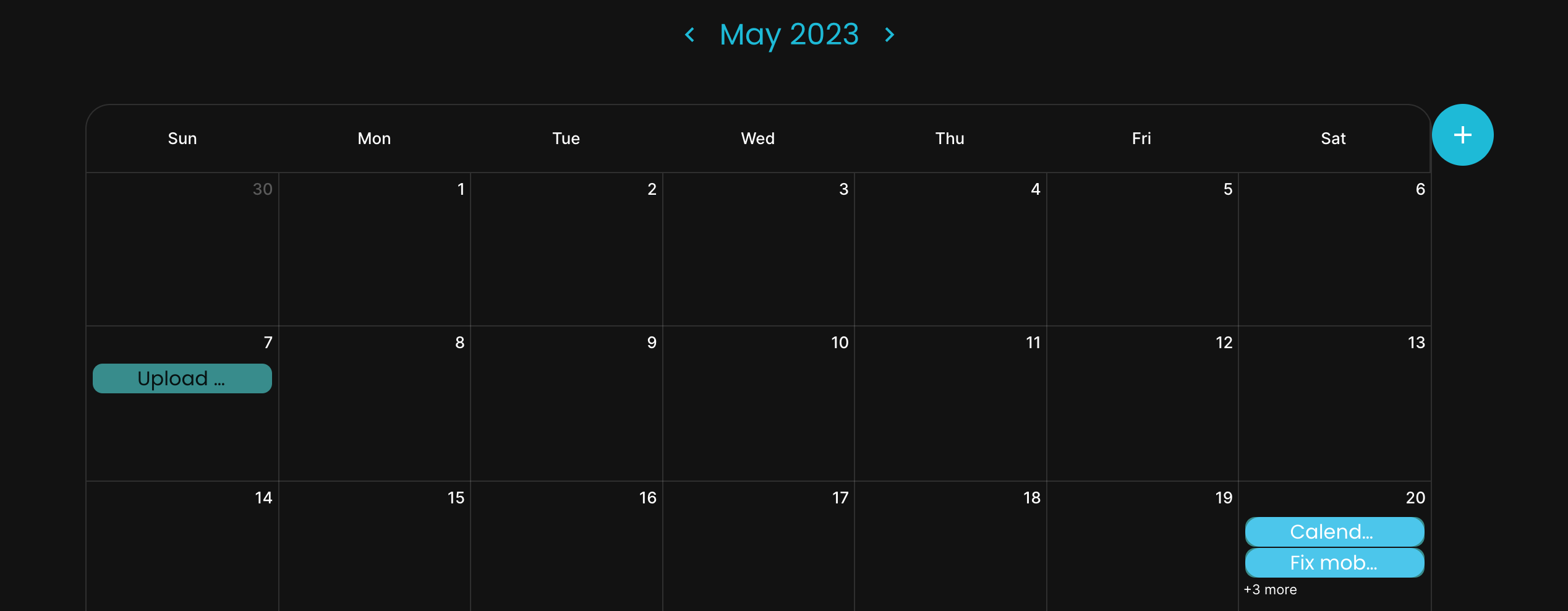
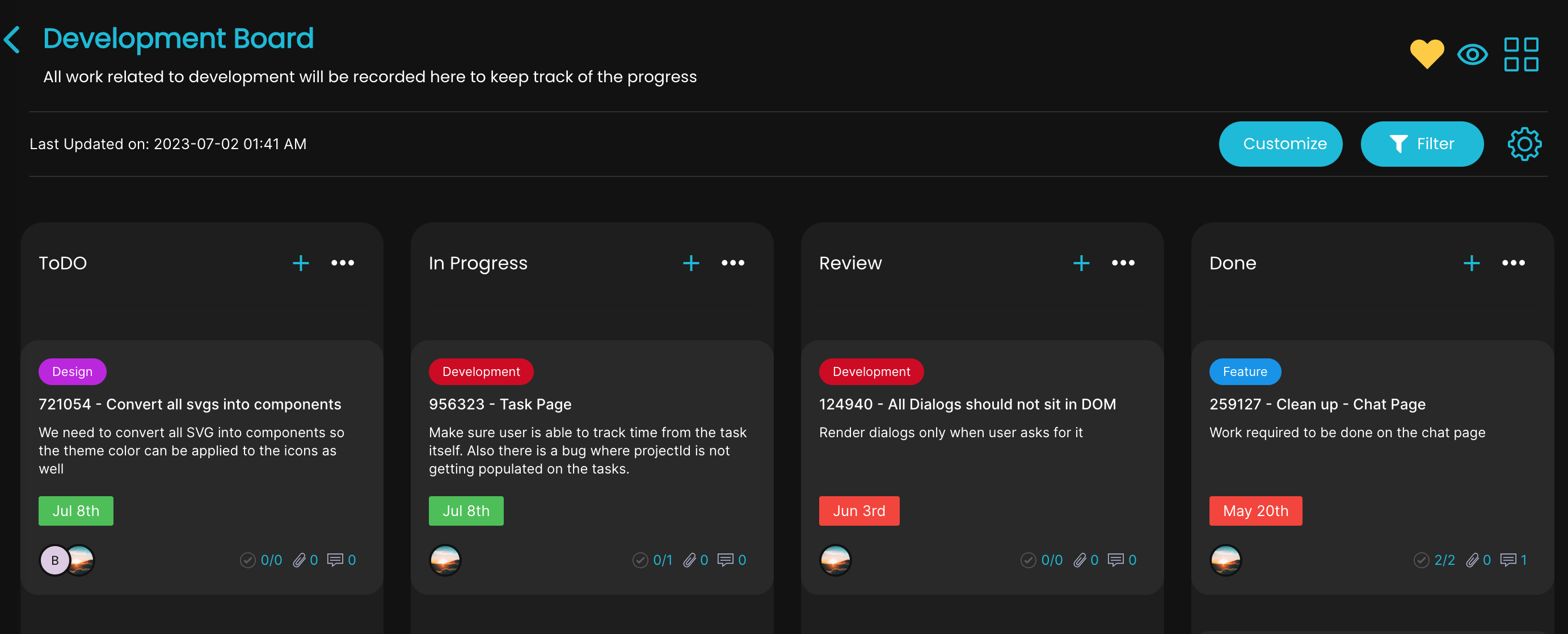
Customized Reports
Customized / build our own Reports
Reports can easily be customized as per your needs. We have pre-built some recommended reports for you to save time, but you can build your own reports and easily view the all the data from projects, scrumboards & tasks in one place.

المهام
أتمتة وإدارة المهام
قم بأتمتة مهامك المتكررة والتركيز على ما يهم فعلاً. يسمح لك نظام إدارة المهام لدينا ببناء تدفقات عمل توفر الوقت وتقلل الأخطاء.
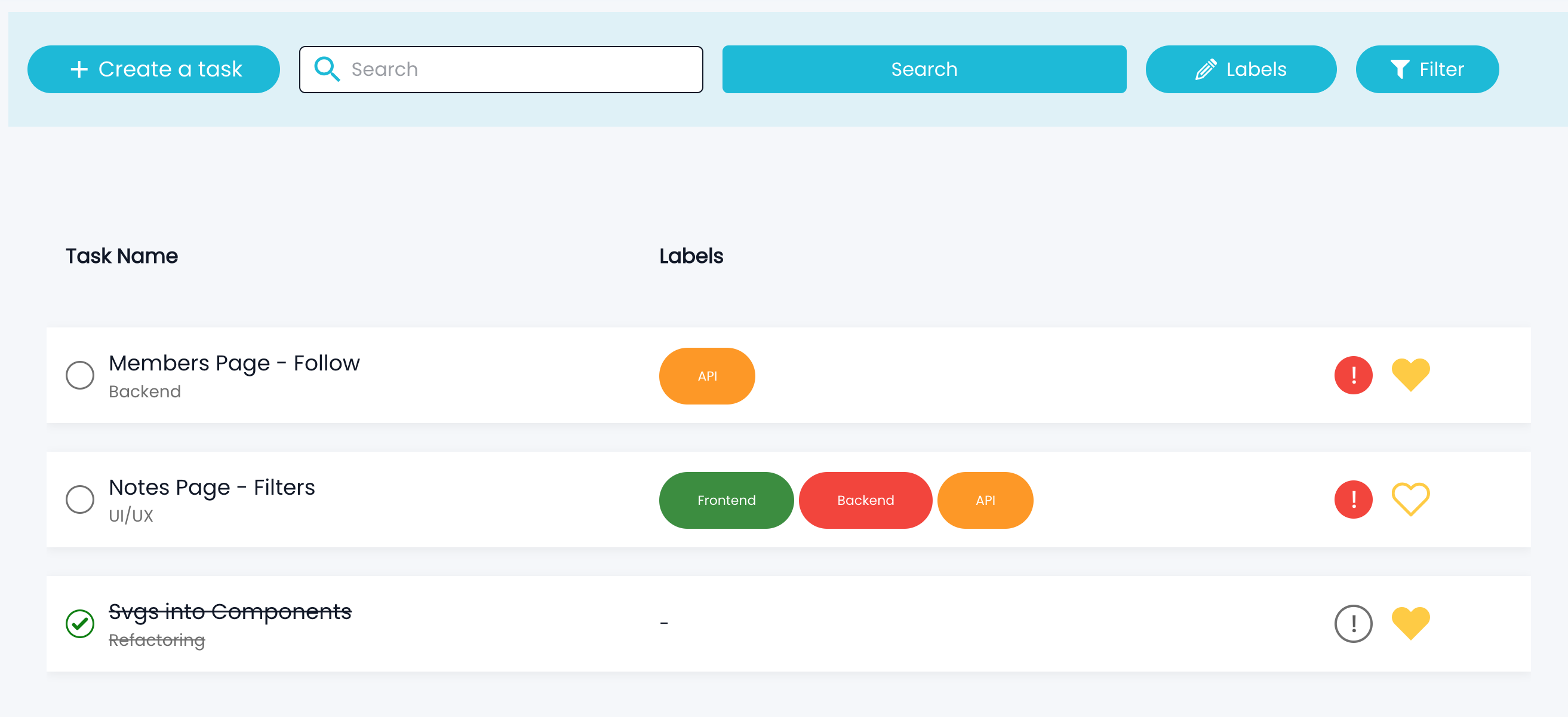
Link Option
Create / link your tasks with your scrumboard
Members tasks can be linked with any scrumboard tasks. This helps to have a clear visibility on your work, focus to deliver it in a timely manner.

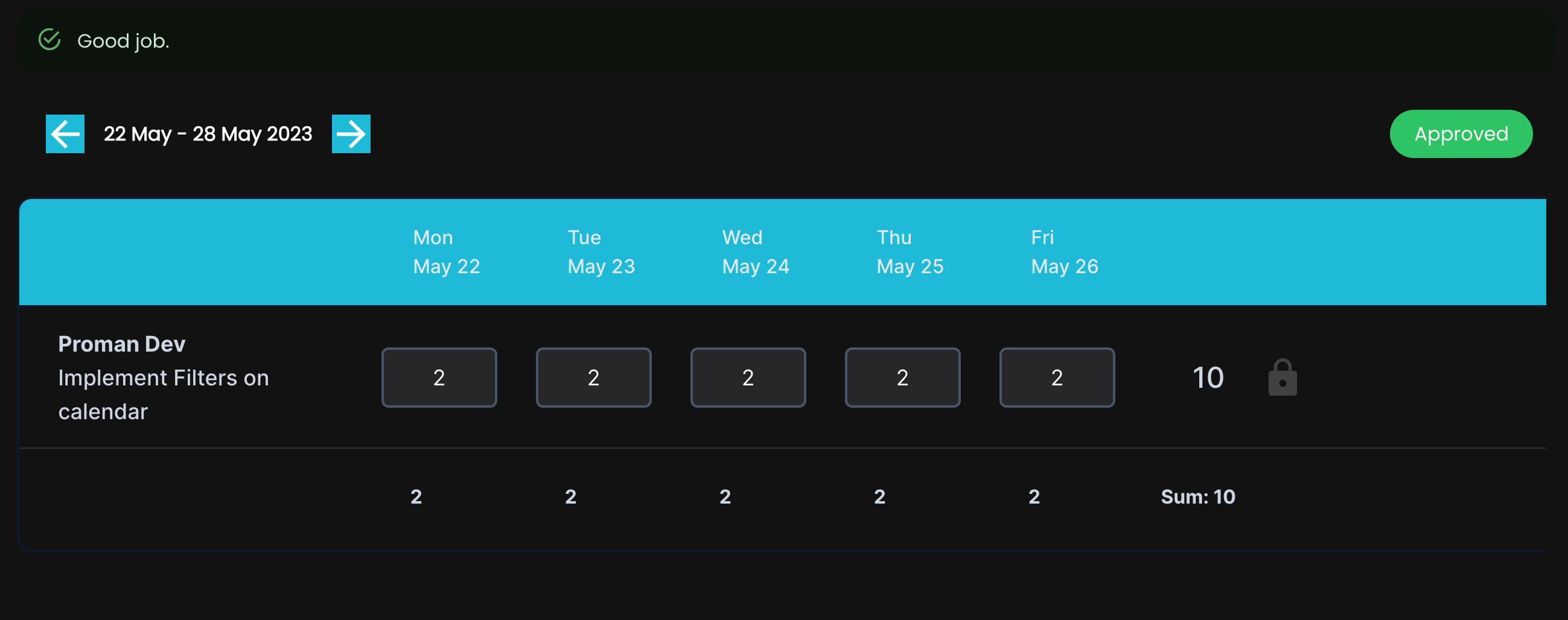
Time Tracking
Track team and project progress
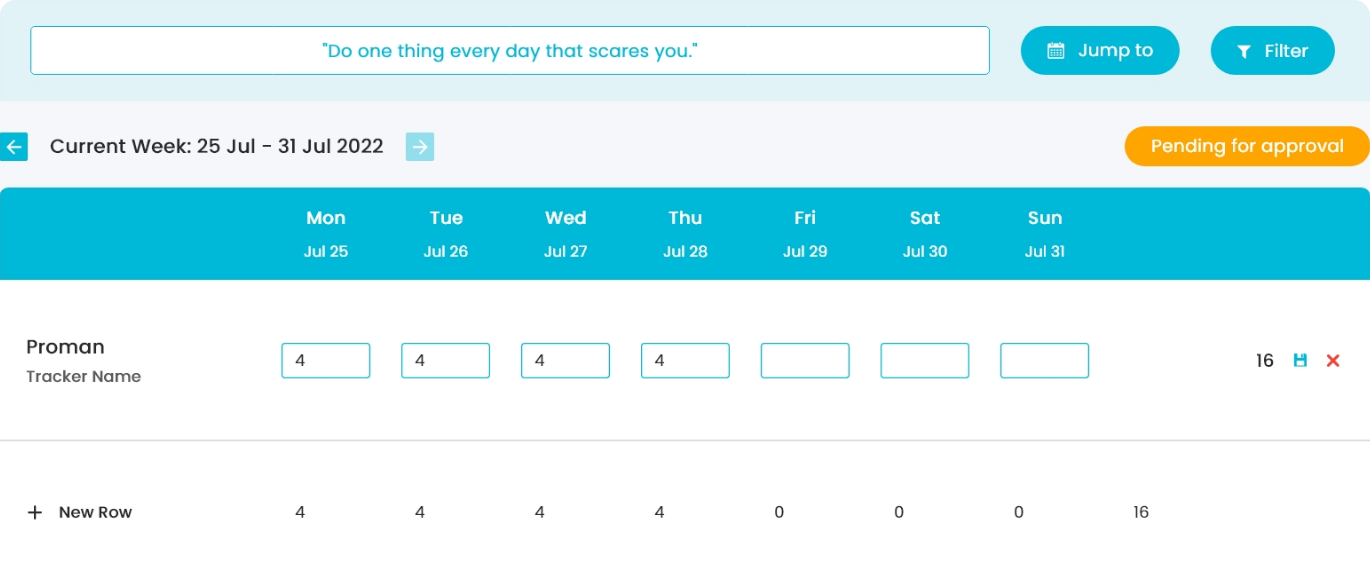
Tracker helps you to log hours by selecting the project, scrumboard and tasks associated with it. This categoraization lets you easily visualize your work in weekly views and log time against it. Submitting the hours will set the status and send a reminder to your manager for approval.
Generating Invoice
Genarating Invoice for your hours
Members can easily view the hours for a desired duration of time and view the data in tabular fashion. This data can be exported to excel or an invoice could be generated which can then be sent your vendor/client for release of payment.

PRIVATE NOTES
Private Notes for Reminders
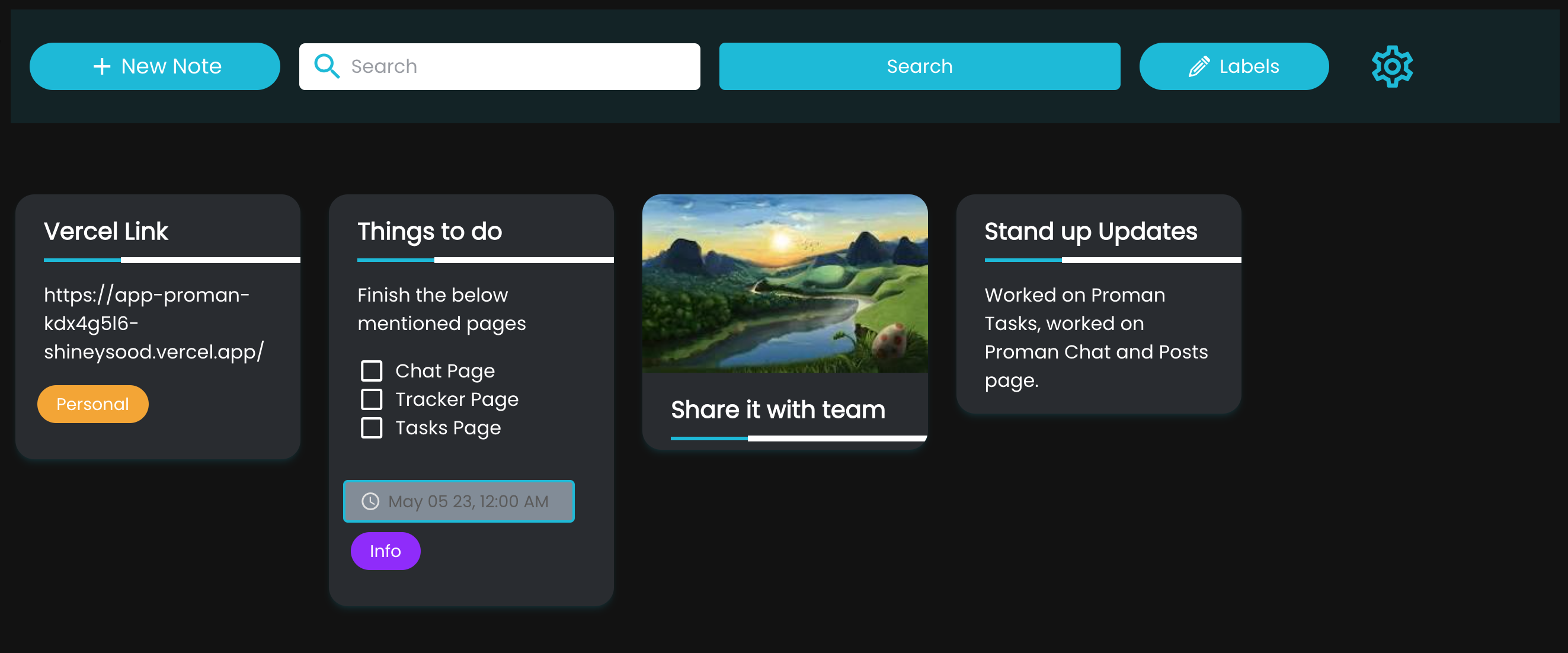
Members can create notes for themselves, categorize them into labels and set reminders in order to stay focus on their work. Notes can also be shared with other team members.
Lock Screen
Lock your screen while you are away
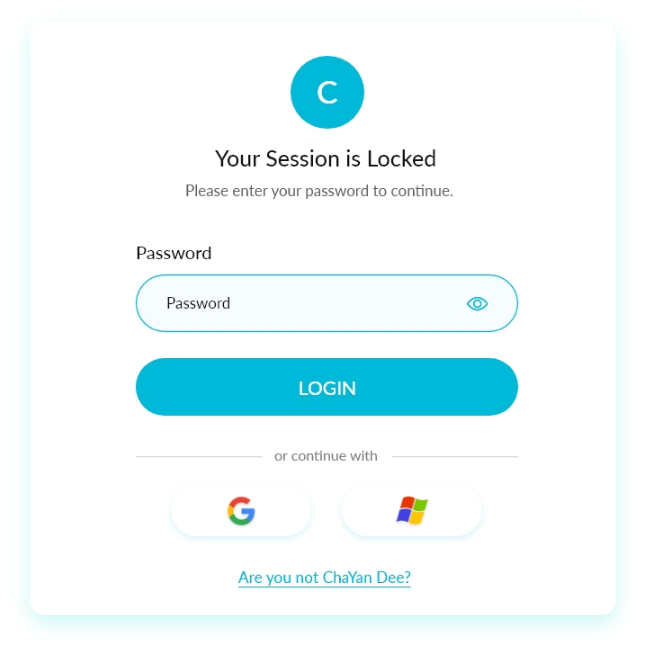
Members can lock the screen without having to go through logout and proper Auth flow again. Locked screen saves your data being viewed and allows you to go back to screen in no time.
EASY ONBOARDING
User friendly onboarding experience to get started
Once u signup, members go through onboarding and there are just 3 steps to get started. With in no time, you will be easily able to configure worksapce, setup project & invite members to take you to dashboard.

INVITE MEMBERS
Invite members with one click
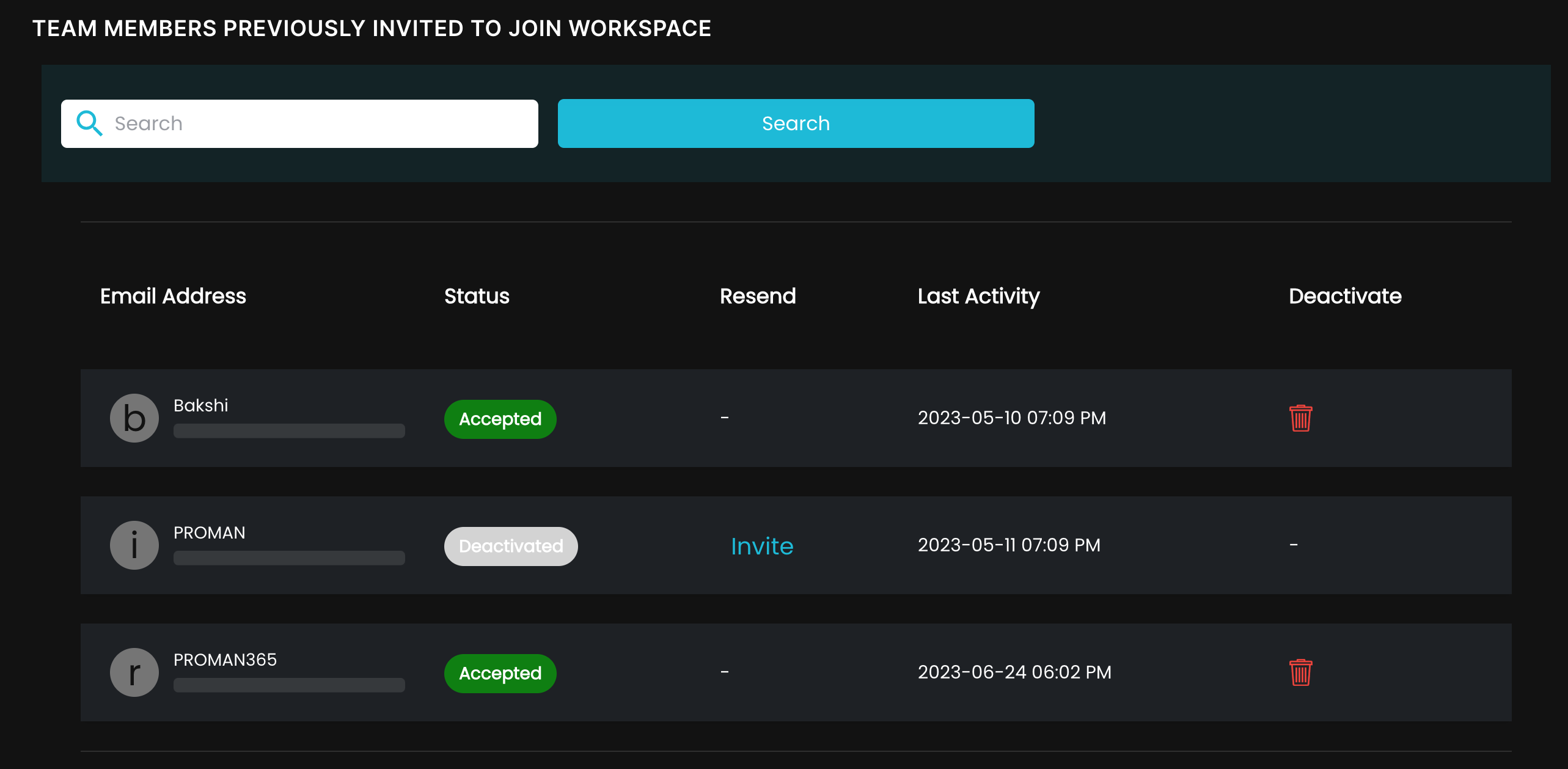
Members can be invited to join your workspace. Once invitation is sent, status will be set to pending and we can easily re-send the invitation with one click of a button in case user has not joined.
Widget Dashboard
Drag and drop to build custom dashboard
Widgets can easily be dropped on the dashboard from the left panel. We have built in some of the popular widgets. You can easily convert your report into a widget and set it on your personalized dashboard.
CHATS & DISCUSSIONS
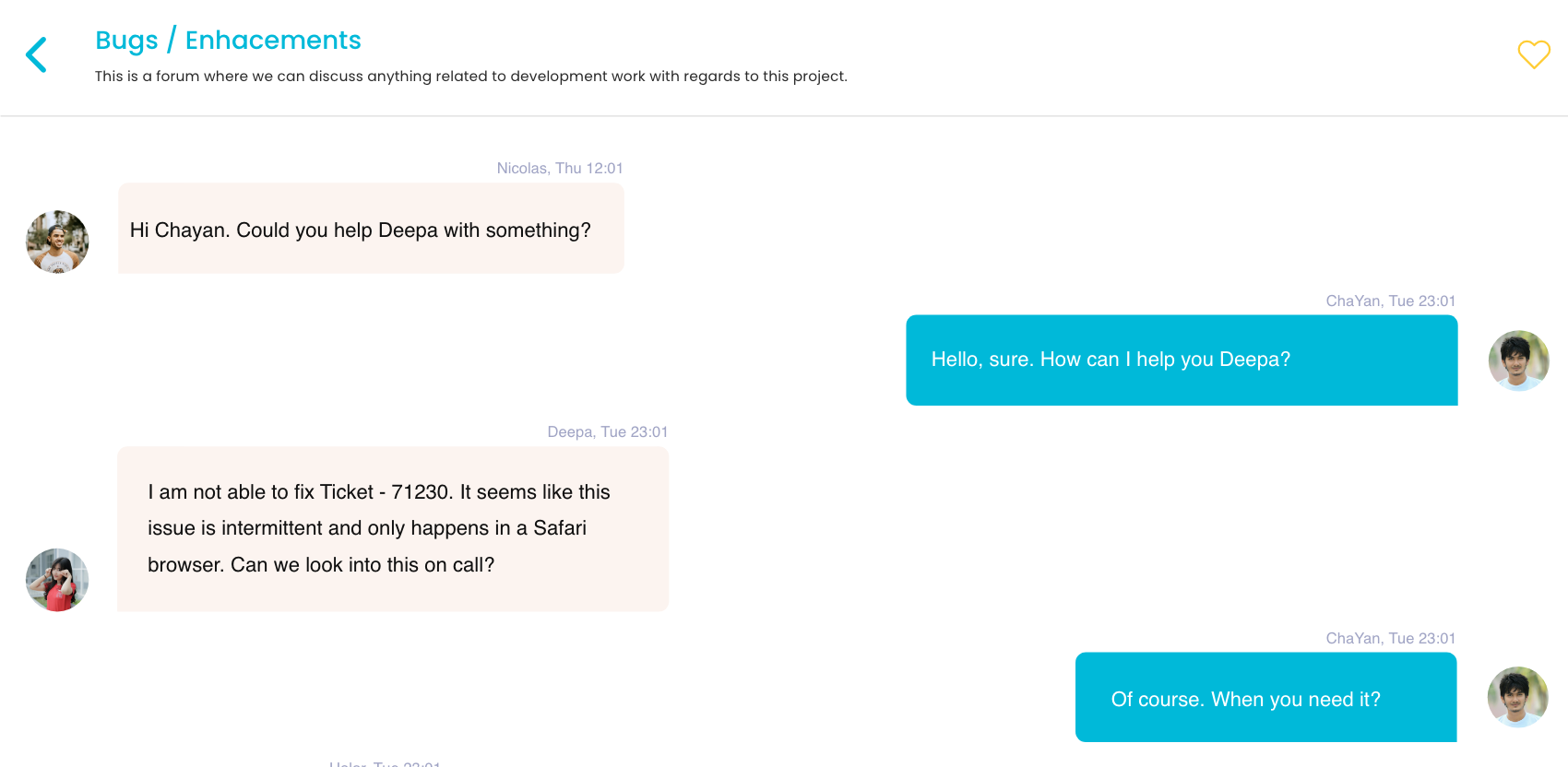
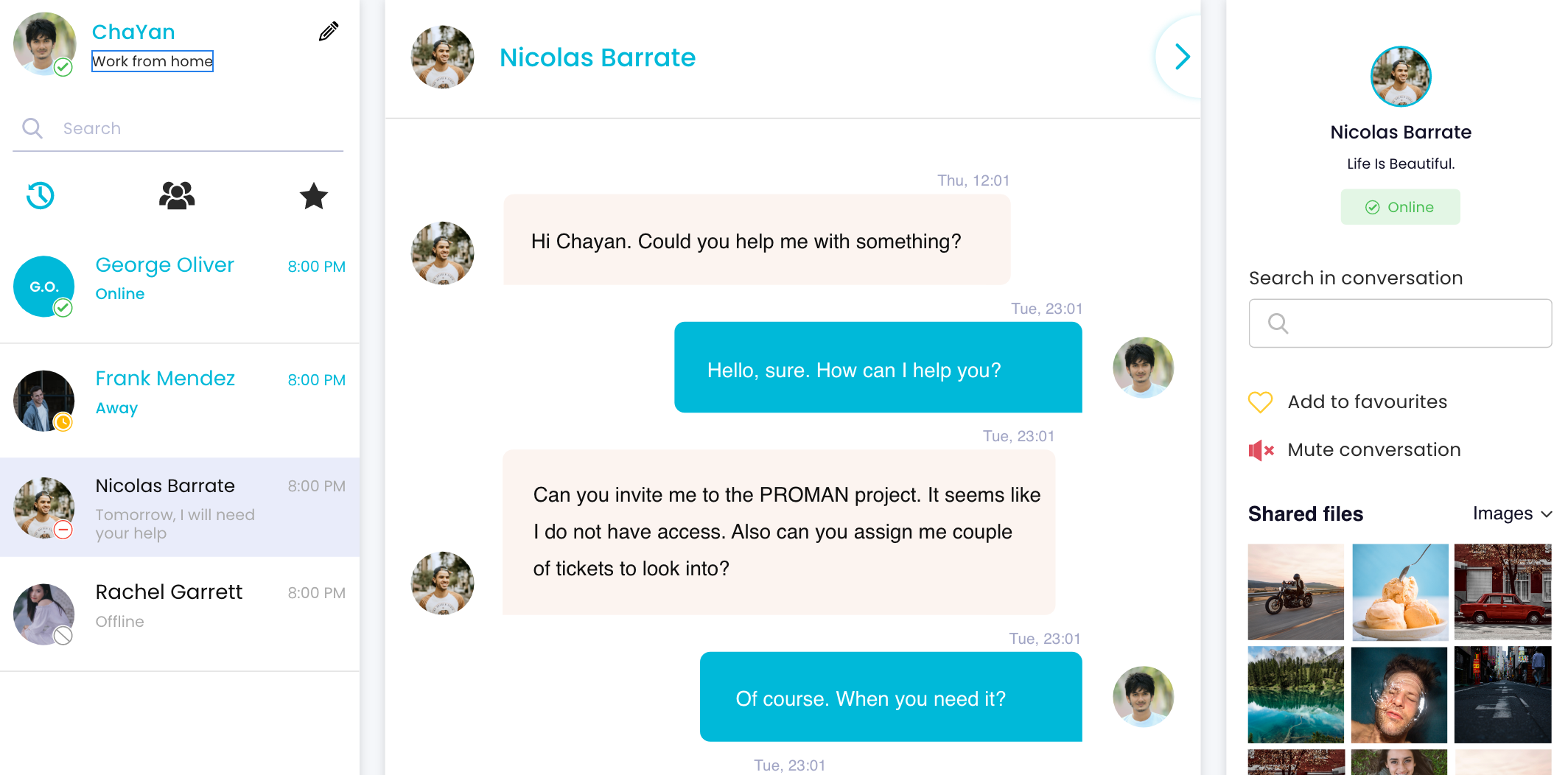
Chats & Collaborative discussions
Members can chat among themselves, share links, documents, images for more collaborative discussions. By default with every project, discussion forum is created and members can start a topic on the forum for group discussions.
SHARING POSTS
Sharing posts within team environment
Posts can be useful not only to share memories with rest of your team members, but also share some informative articles that can be relevant to work. This can also help to socialze with your team and get to know each other.

NOTIFICATION
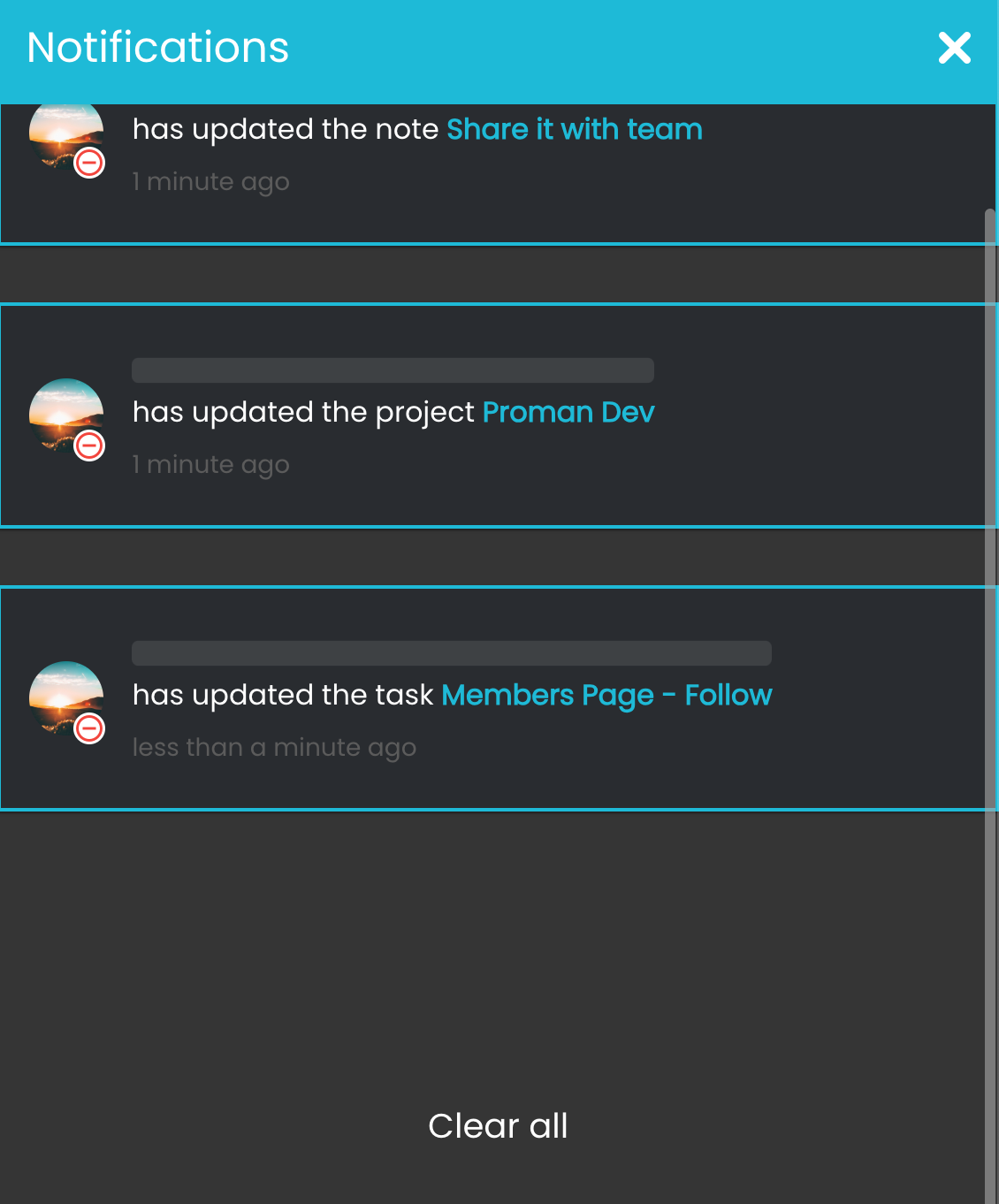
Never miss a notification
Notifications are useful to get your attention for updates on projects, scrumboards, approved or rejected hours, newly joined members and all other relevant things you have been tagged to.
MULTIPLE WORKSPACES
Create multiple workspaces to avoid clutter
Workspaces contains information about your projects, members, tasks, scrumboards and other activites. This is one place for all your information within the organization.








الهاتف
+1 (647) 554-5612

البريد الإلكتروني
info@proman365.com

العنوان
كيتشنر، كندا